September 19, 2026
Cardiac King 2.0
Poker Hand Evaluator
Technology Dev Diary
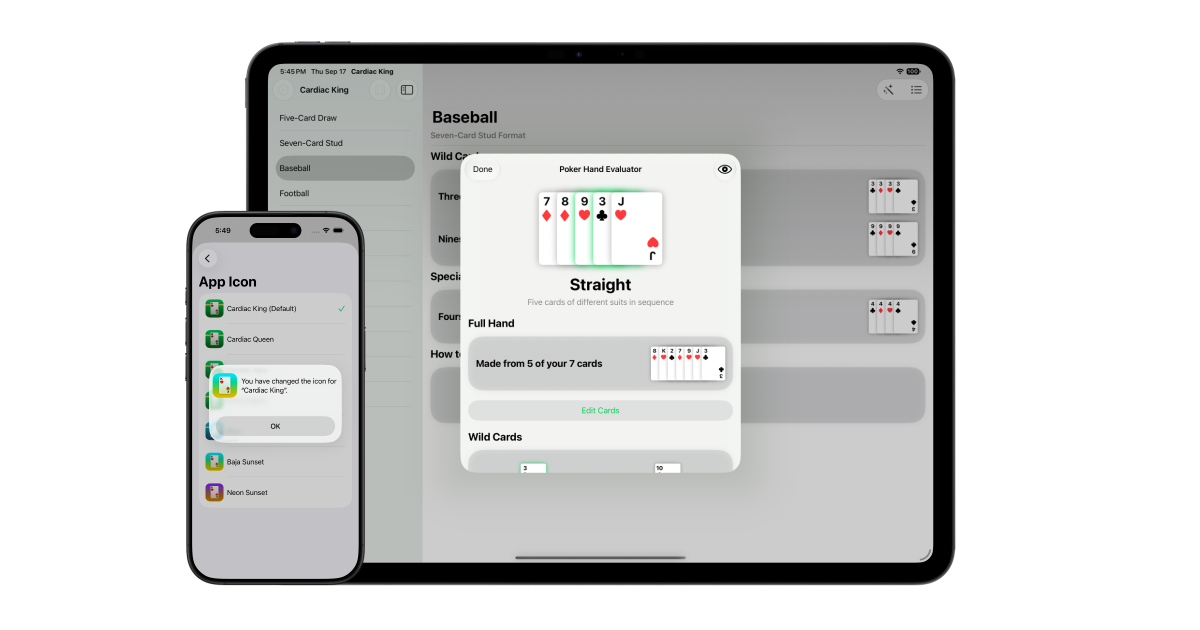
With the release of iOS 27 comes Cardiac King’s first major update.
Poker Hand Evaluator
The biggest new addition is the Poker Hand Evaluator, which provides insights into poker hands. In supported poker games, you can input the cards in your hand and get the best hand. The app accounts for wild cards based on the currently selected game, highlighting them in green. It also shows which hands your poker hand wins or loses to, along with tie breakers.
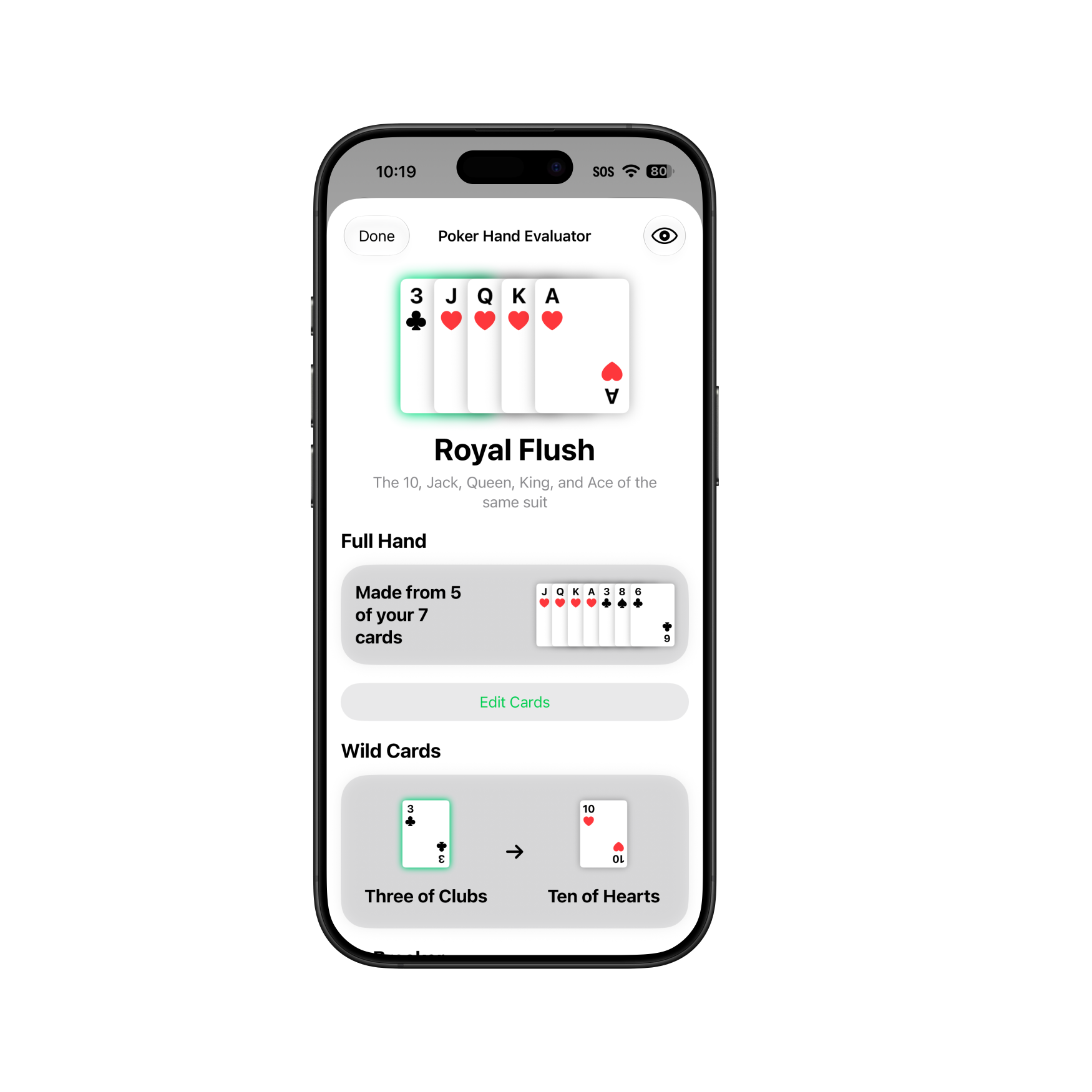
Poker Hand Evaluator is available as part of Cardiac King Plus, a one-time in-app purchase.
Apple Intelligence
iOS 27 introduces Foundation model access for images, meaning developers can tap into Apple Intelligence for visual queries. Going into WWDC26, I was hoping this would be available and I was not disappointed. For the Poker Hand Evaluator feature, Apple Intelligence can input the cards on your behalf using a photo, instead of needing to slowly type in each card one-by-one.
Behind the scenes, this uses Private Cloud Compute when available. This securely sends the image to Apple’s servers for a more accurate card recognition than what can be achieved on device.
If you are offline or have hit usage limits for Private Cloud Compute, the image recognition runs locally, on-device. This is typically less accurate than using the more powerful servers, but any mistakes can easily be edited before evaluation.
Use of Apple Intelligence is fully optional, and users can always enter their cards manually if they choose to do so. In addition, hand evaluation does not use any form of artificial intelligence.
Redact Hand
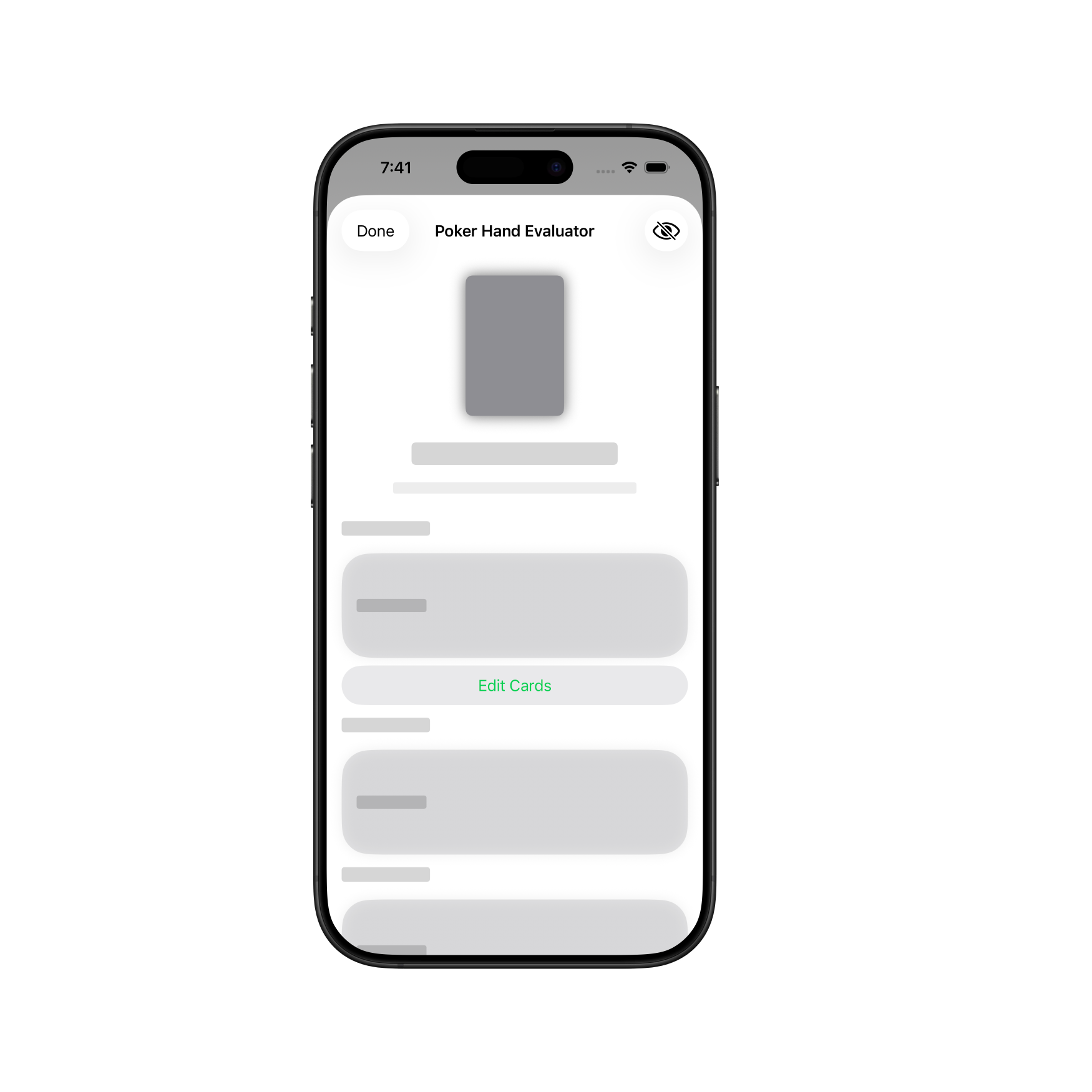
One consideration that was made is that having information about your hand on your phone’s display could be a liability, even in a friendly, casual game of poker. Because of this, I added a redact button to the toolbar of the Poker Hand Evaluator to quickly conceal information about your poker hand. Whether you had a high card or a royal flush, the screen will look exactly the same. This lets you place your device on the table without needing to lock it or close the app.
Game Picker Swipe Controls
When using the Game Picker to select a random game, you can now swipe left on the card to re-roll and pick another game or swipe right to view the details of that game.
App Icons
New app icons have been added. Several card variants, like the Cardiac Queen, are now available. In addition, app icons featuring new background have been added, including Baja Sunset, the gradient used across my website.
For those who use HappyKey, additional app icons have also been added to it in its latest update. A Baja Sunset icon has been added there too, so both apps can match.
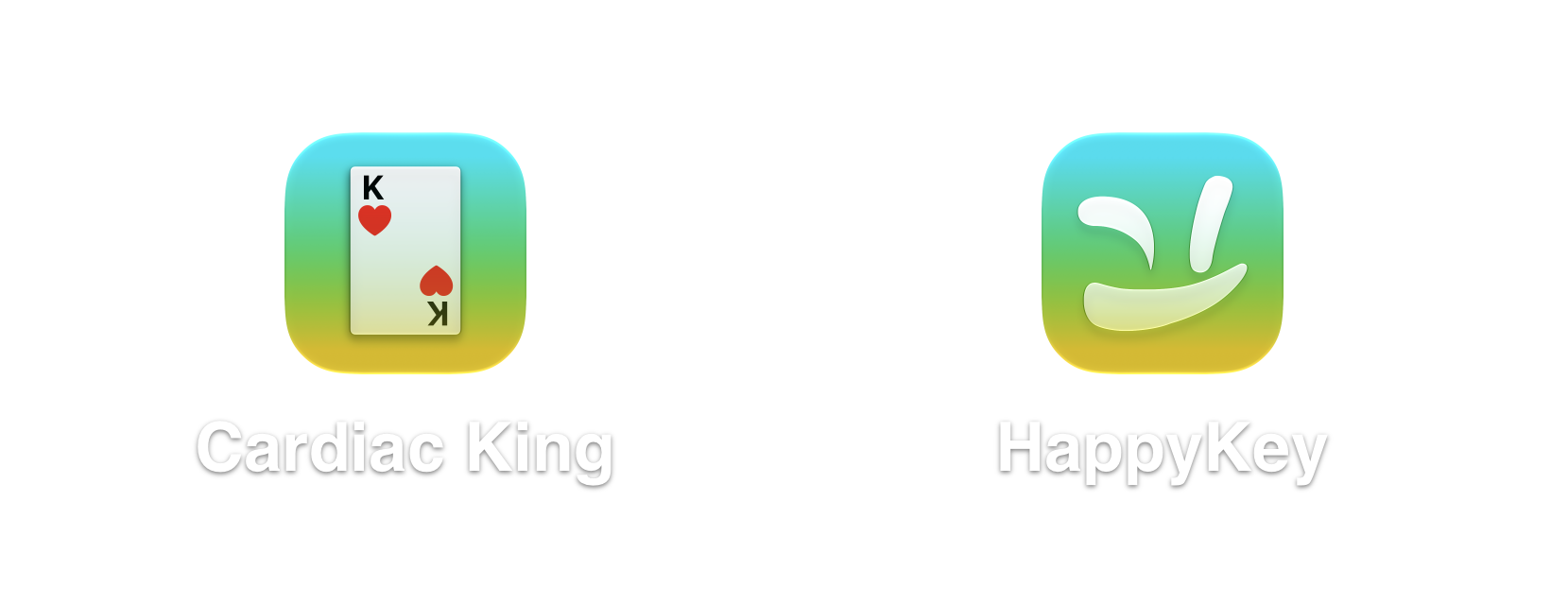
App icon options are available as part of Cardiac King Plus, a one-time in-app purchase.
Settings
About has been replaced with a proper settings page. Two toggles have been added.
“Hide Redundant Steps” toggles whether the “Play Standard Seven-Card Stud” text appears in lieu of the game’s steps. If you’re less familiar with poker, disabling this may be of interest to you.
“Prevent Sleep for Reference” determines whether the reference views override your device’s auto-lock functionality. These views are designed to be on for extended periods of time, so they won’t dim your display from inactivity by default. However, if you’d prefer otherwise, disabling this setting will accomplish that.
Other Changes
The app has been rebuilt for iOS 27 and brings the minimum iOS version to iOS 17 (released in 2023).
In addition, the app icon uses the refined Liquid Glass effects that iOS 27 uses.
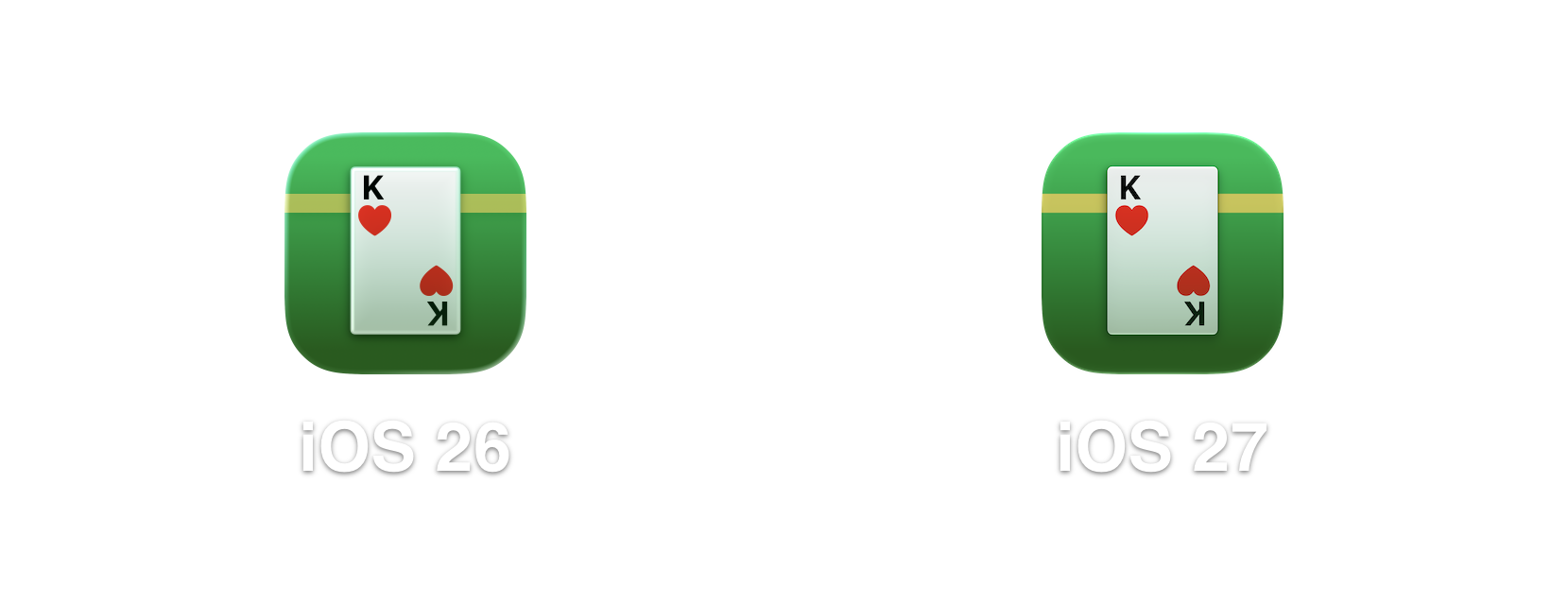
The radius of some elements have been changed to be more consistent across the app.
iPhone Air
On a personal note, working with Apple Intelligence got me to upgrade my dedicated developer iPhone to an iPhone Air. This allowed me to properly evaluate Apple Intelligence for card identification.
Cardiac King is available on the Apple App Store.